
Mobile Access
Bet51 App and Mobile Access Guide
Start from the Bet51 India mobile entry page before using Bet51 on a phone. Mobile access can be convenient for casino games, cricket betting, account checks and bonus terms, but the phone, browser, login details and any app file need careful handling.
This page keeps the mobile advice practical: how to choose between browser and app-style access, what Android and iPhone users should check, and when to pause before entering account or payment details.
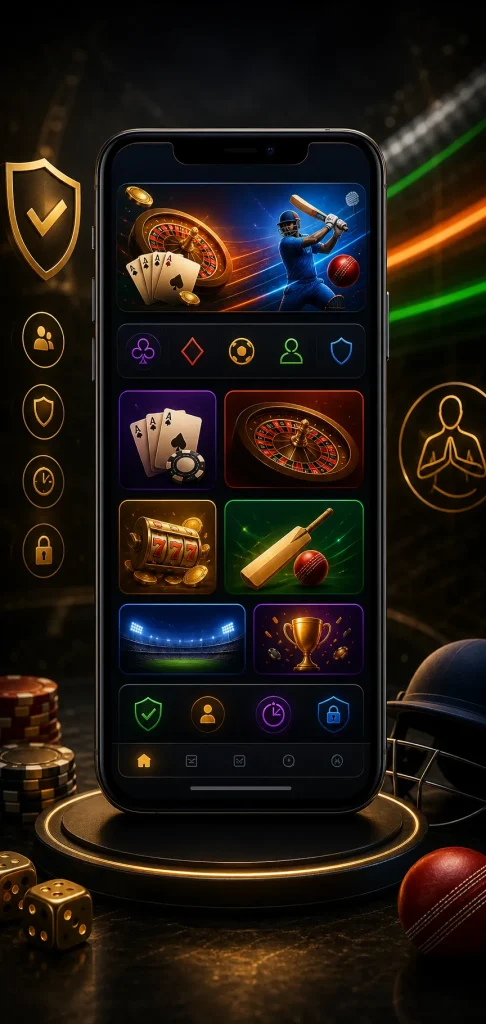
Mobile Entry Snapshot
Choose the access style that matches your device before logging in, installing anything or checking payment details on a small screen.
Android
Check the source, file name, permissions and update prompts before installing any APK-style file. If the source looks rushed or unclear, use browser access first.
iPhone
iOS users may rely on Safari or another updated browser. A home-screen shortcut is only a saved link, so check the destination before logging in.
Mobile Browser
Browser access is often enough for reading login, registration, bonus and payment pages without adding a new file to the device.
Android, iOS and Browser Choices
Android users should be careful with permissions. A gaming access file should not ask for contacts, screen overlay, message reading, file control or other access that does not match normal account use. Update prompts deserve the same checks as a first install.
iPhone users should keep the browser updated, avoid saving passwords on shared devices and close account tabs after use. If a saved shortcut opens a different-looking page, delete it and return through a known Bet51 entry route.
If you are still deciding, read the Bet51 login guide and registration guide first. Those pages explain what details may matter before a mobile session starts.
Use Bet51 on Mobile Without Rushing
- Use a phone you control, with a lock screen and updated browser.
- Check the page address before entering login, OTP or account details.
- Read bonus terms and payment labels on a full screen before tapping.
- Keep screenshots private if they include account, wallet or transaction details.
- Log out and close tabs after using a shared network or public place.
When the Mobile Page Looks Wrong
| Mobile signal | What to do |
|---|---|
| Unexpected download prompt | Pause and check whether browser access is enough before installing anything. |
| Login page changes suddenly | Review the URL, network connection and the support page before retrying. |
| Payment text is hard to read | Zoom, rotate the screen or wait until you can read the instruction clearly. |
| Bonus page shows many conditions | Open the bonus terms page and compare expiry, games and wagering conditions. |
Mobile access should support a clear session, not create pressure. If anything feels inconsistent, step back and review the relevant internal page: games categories, payment information or legal notice.
Mobile Features Worth Checking
Before relying on Bet51 from a phone, check whether the mobile screen makes common tasks easy to read. Game category names, odds or table rules, bonus conditions, payment labels and support messages should not feel hidden behind small text or rushed popups.
- Open one game category and confirm the rules or market labels are readable.
- Check whether login and account messages stay visible after rotating the screen.
- Read a bonus condition from start to finish before tapping any claim button.
- Open payment information only when you can compare amount, method and reference carefully.
- Use support only through a private channel, never through public comments or shared groups.
Bet51 App FAQ
Is there a Bet51 app for India users?
This page does not publish or confirm any app file. It explains mobile access checks so users can review browser use, Android APK language, iPhone browser access and account safety before taking action.
Should Android users install an APK immediately?
No. Android users should first check the source, permissions, file behaviour and update path. If the purpose of a permission is unclear, browser access may be the more cautious first step.
Can iPhone users use Bet51 in a browser?
iPhone users may need browser access. Keep the browser updated, avoid saving passwords on shared devices and check saved shortcuts before using them again.
What should be checked before mobile login?
Check the page address, network, phone lock, OTP privacy and password storage. Do not log in from a borrowed phone or public device where another person can read messages.
What if the mobile page asks for payment details?
Read the payment instruction slowly and compare it with the current account area. Do not copy details from old screenshots, chat messages or pages that look unrelated to the Bet51 flow.
Open Bet51 Login Guide Payment Checks
Mobile Responsible Use
Bet51 mobile access is for adults only. Check local rules, protect OTP and payment details, and do not install any file until the source and permissions make sense to you.